
You supply the sprites, gameplay, and narrative, and the game engine provides common, reusable game functionality like timing, animation, interactions and sound effects.
Explore the Lessons

Game Loop
Code the callback methods in the game controller and models.

Vector Dynamics
Make your sprites move using trigonometry.
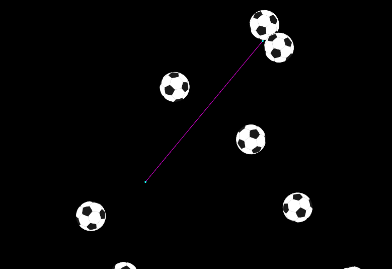
Gravity
Code your sprites to bounce, spin and drop.
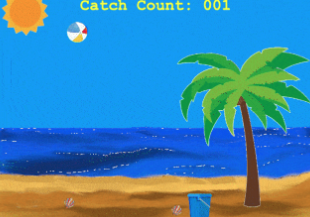
Collisions
Make your sprites rebound off each other.

Guided Projectiles
Code realistic missile behavior.
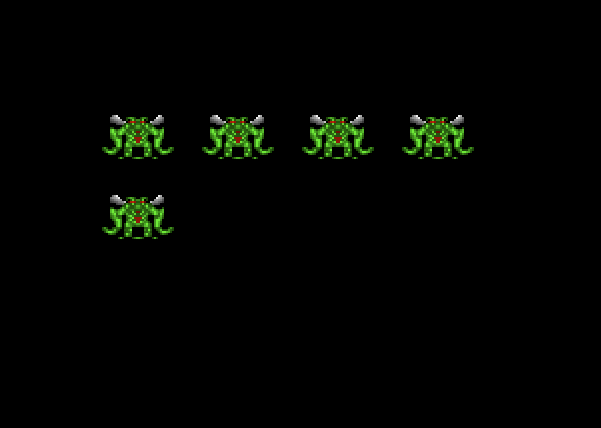
Composite Movement
Make clusters of sprites that behave in unique ways.

State Machines
Use state machines to model a game with multiple players and levels.

Executable Apps
Package your game for others.
Explore the Concepts
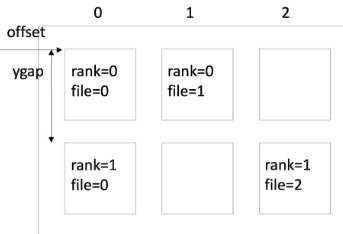
Algorithms
To optimize your game.

APIs
Application programming interfaces like Java Foundation Classes.
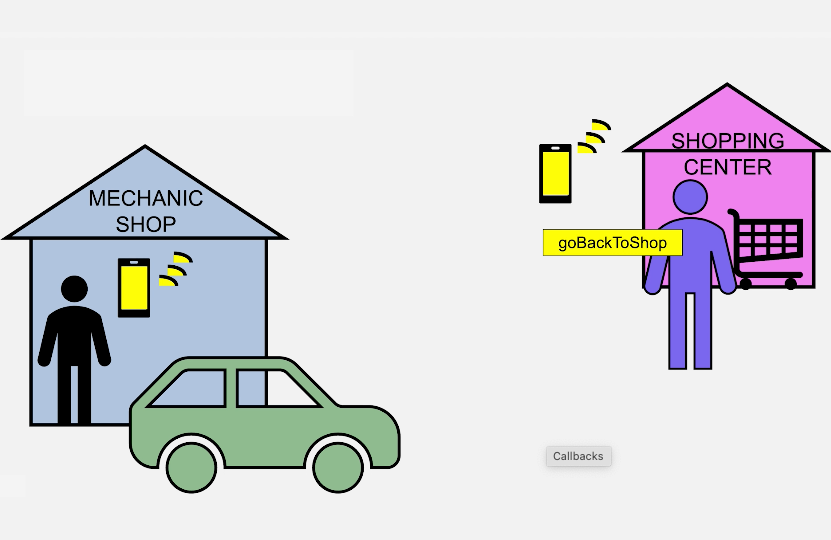
Callbacks
Methods you code but don't invoke yourself.
Data Structures
Ways to group data, their values, and operations.
Graphics
How does the game engine render the screen?

Model View Controller
A common design pattern used in the game engine.
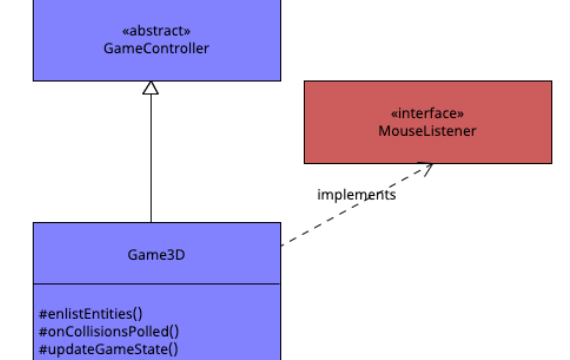
OOP
Inheritance, abstract classes, interfaces, polymorphism, and more.
User Interface
Events, windowing, key and mouse listeners, and sound effects.

UML Diagrams
Activity, sequence, object, class, and state diagrams.